

Let’s face it. One of the toughest jobs of being a web designer is coming up with the right blend of navigation, content and images to create a look that’s not only attractive, but also easy to navigate. Wireframes are a huge help in making the creative process come alive. Some simple boxes and lines are all you need to sketch out which page elements go where.
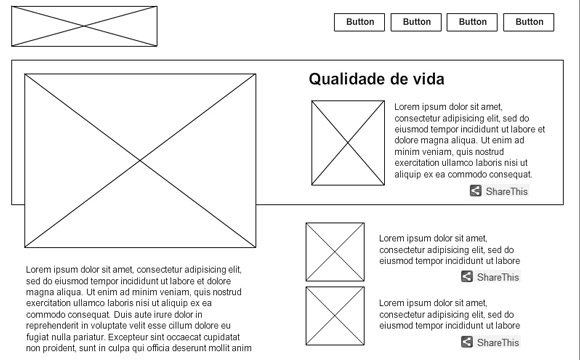
The problem is, when you’re staring at a blank screen, it can be hard to find any inspiration at all. That’s why I’ve gathered six of the best free wireframing resources online. Use these websites and tools to help you create a rough draft for your next project and see how much smoother your workflow can be.
Wireframe Resources
Wireframe Showcase
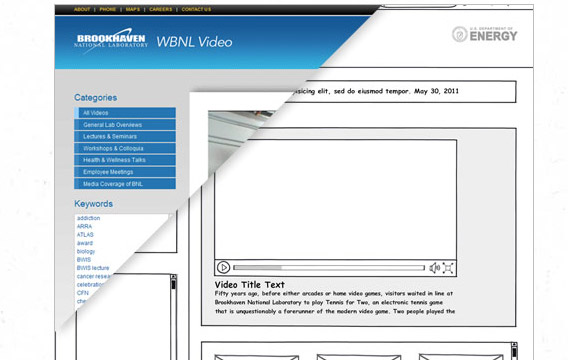
A collection of wireframe mockups from a wide range of websites and industries. Moving your mouse over the wireframe shows the completed site and clicking on details shows both. Currently there are 63 different sites showcased. You can also leave comments and submit your own wireframe design to the gallery.
MockupsToGo
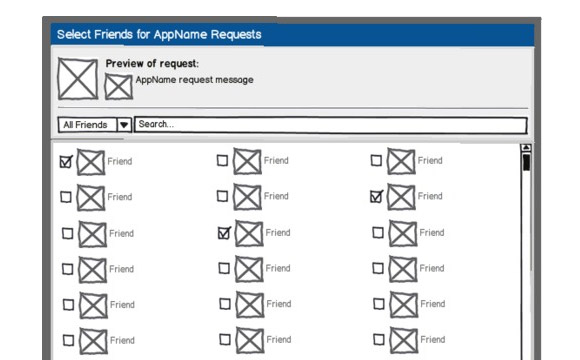
MockupsToGo is a Posterous site sharing user interface sketches, app outlines and other navigation and user interface pieces that you can download and import into the popular wireframe modeling software, Balsamiq. Lots of different and free wireframing ideas here, including dialog boxes, iphone interfaces, and much more.
I Love Wireframes
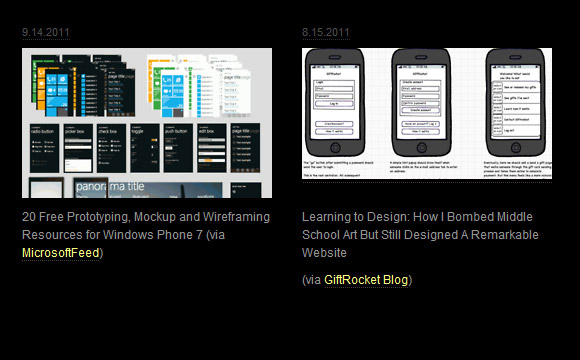
Two different galleries operating under the same name. Available as both a Flickr gallery and a Tumblelog, you’ll find a smorgasbord of inspiration in page after page of wireframes, as well as user interface graphics, mobile phone interaction patterns and much more. The Flickr group is more of a 2,000+ member photo pool whereas the Tumblelog is at least somewhat more organized.
MockFlow
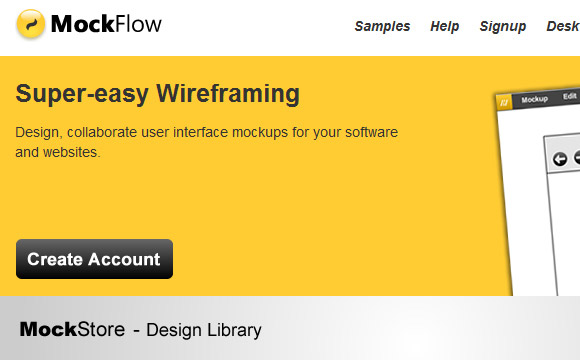
A wireframing software program, MockFlow lets you collaborate with team members, export your designs to HTML or make them compatible with mobile devices. The site sports a considerable library of wireframing snippets, and the “MockStore” offers extra layouts designed by community members for sale. One of its more interesting features is the built-in Sitemap Visualizer, which lets you drag and drop pages while instantly restructuring your wireframe accordingly.
Creately
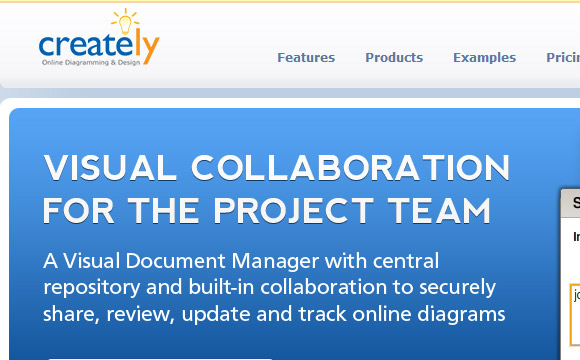
Creately is a browser-based wireframing tool that’s built for teams. The basic “Community” version is free and you can create up to five Public diagrams. Creately goes beyond wireframes and can also be used to create diagrams, workflows, sitemaps, Gantt charts and much more. Also available in a Desktop flavor along with plugins that work with other programs including FogBugz, JIRA and Google Apps.
Mockup Builder
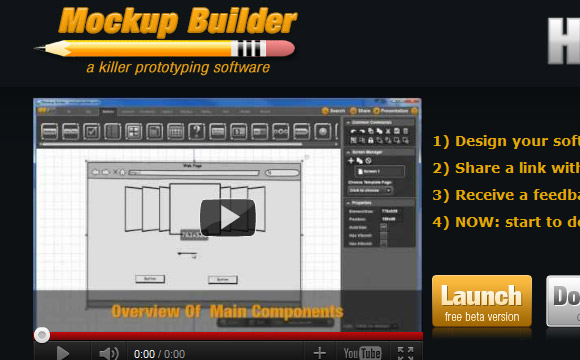
A relative newcomer to the wireframing field, this online wireframing and prototying program uses Microsoft Silverlight to make its magic. Currently available in a beta online and desktop version, you can use Mockup Builder to quickly create interfaces, websites and software workflows. While it doesn’t have the variety of MockupsToGo or the polish of Mockflow and some of the other veteran programs in the list, the possibility is floating around of making it available for iPad and Android – so you can wireframe on the go.
What Are Your Favorite Wireframing Resources?
Have you worked with one of these programs? Do you have a favorite wireframing resource? Share with us in the comments!
