Onextrapixel

Follow us
by in Resources on 15th Mar 2011 · Comments

10 Best Alternatives To Adobe Illustrator

Most often Adobe Illustrator can be just too complicated or expensive for the average user or someone doing graphic design casually. If you are looking to get a great program that will be fun and easy to use look no further. There is a vast “open source” online community where you can download such programs for free. Below are descriptions of ten of the most comparable illustration softwares that are in the same vein as Adobe Illustrator.

10 Best Alternatives To Adobe Illustrator

Best Alternatives To Adobe Illustrator

1. Corel Draw

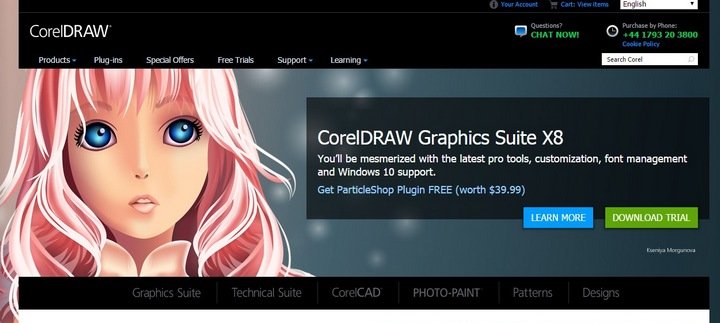
The best alternative to Adobe Illustrator is by far Corel Draw. Unfortunately because it is a name brand and is so good it isn’t really that much cheaper. It allows you to do pretty much everything Illustrator does; like experiment with colors, compositions and brush strokes. You can get the full studio effect. It is said to be one of the more exciting digital painting programs online and some prefer its interface. Windows only.

Corel Draw

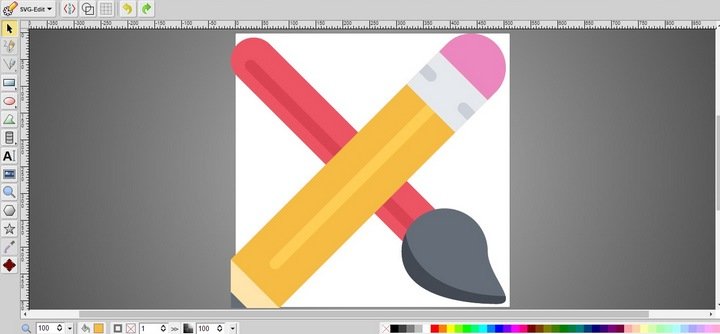
2. Inkscape

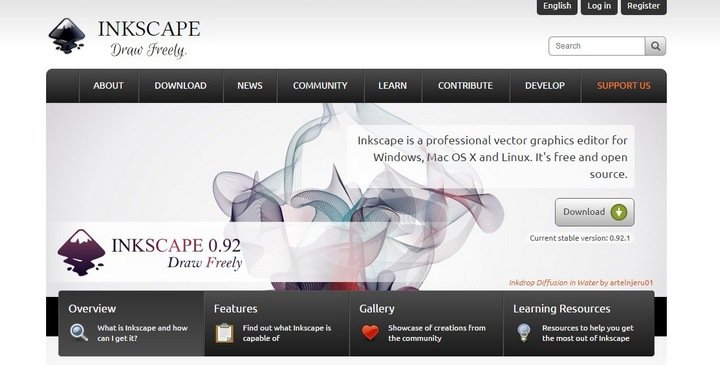
Inkscape is a program that gives amazing vector effects. It is designed on a cross-vector platform that allows the user to see effects applied in real time. The advanced features it includes are arbitrary transformations, opacity, and gradients. It has all the capabilities of Corel draw or adobe illustrator. This one, however, is free. Windows and Mac compatible.

Inkscape

3. Serif DrawPlus

Serif DrawPlus is free software that mimics mature commercial editing software. It includes many of the most intuitive tools available. Including “quick shapes”, Curve editing, and curve smoothing. This program gives you several templates and other resources to choose from. Windows only.

Serif DrawPlus

4. Xara Xtreme

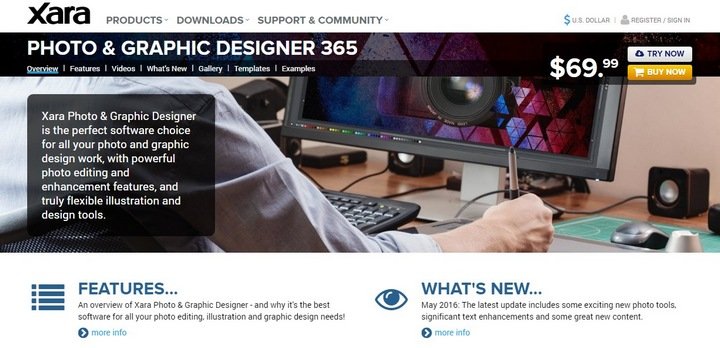
Xara Xtreme has a free open source version of the paid Xara Xtreme program but is exclusive to the Linux system. The paid version is still quite a bit cheaper than Illustrator. This program is a standard in Vector drawing applications. The free version has very powerful graphics and floating dialogs, palettes and menus. Windows only.

Xara Xtreme

5. Skencil

Skencil is another free open source application also for the Linux system. This one allows you to do illustrations, draw diagrams and it will import your files from Adobe. This is more of a supplementary program. It is primarily for windows systems but can be used on Mac OSX.

Skencil

6. Creative Docs.NET

Creative Docs.NET is a vector program that works well in Windows applications. It has features that allow the drawing of various text and shapes along a curved pathway. You can merge shapes with the Boolean operations; you can convert text Bezier curves and color gradients. It lets the users interact with various styles and attributes in the same frame. The drag and drop is an excellent addition since it lets you move things around on the page. Windows only.

Creative Docs Net

7. sK1

sK1 another Linux application that can be downloaded for free. This program supports professional style publishing; such as CMYK color, ICC color management and even press ready output for PDF. It is currently only for Linux but will be ported very soon to work on both Windows and Mac systems.

sK1

8. GIMP

GIMP this graphical user interface looks similar to Adobe Photoshop. It is a free program that also allows you to retouch photos. It can be used as a paint program but lacks vectors many graphic designers are used to.

GIMP

9. Alchemy

Alchemy, a vector-based program, it runs on the intent of creativity. This means that it is primarily a sketching program and not for finished or refined projects. The interface is fun and easy and great for brainstorming. It is available for Windows, Mac and Linux.

Alchemy

10. Karbon 14

Karbon 14 is another free and easy vector-based program. The level of functionality is one that is geared toward someone getting started. It can handle the daily chores drawing, finger painting, image manipulation, icon editing. It is also a very functional program with all the important features.

Karbon14

Conclusion

It is possible to find the graphic design program that fits your budget that allows you to create clipart, logos, illustrations and photorealistic vector images. Whatever your reason for avoiding Adobe Illustrator it shouldn’t be difficult to find one that has a comfortable interface and does what you need it to do.

Rick Valence loves to read and write short stories, books and especially blogs. He has a vast array of writing interests that include fiction, non-fiction and how-to guides. Rick works Monday through Friday as a digital camera repair specialist at C.R.I.S. Camera Services in Chandler, Arizona. He is also the webmaster of his company's camera repair blog.

  • http://vainsfaktory.com/ Joe Vains

    "Raven" from Aviary is an excellent vector editor. :)
    I've made a post about "online" applications here : http://vainsfaktory.com/2009/02/22/logiciels-des-applis-gratuites-en-ligne%E2%80%A6/

  • fefa
    • koernchen02

      sketch is the buggiest software ever...

  • http://www.lesiteimmo.com Immobilier

    Inkscape FTW !

  • Aritz

    Microsoft Expression Design

  • Rana Mukherjee

    Nice article.I like this type of article

  • http://hangaroundtheweb.com rajasegar

    I think GIMP is the odd one out here, you can't create vector graphics with GIMP but somewhat an alternative to Photoshop, in my opinion, INKSCAPE is the best alternative to Illustrator....

  • http://www.flatfiler.de Patrick
    • fefa

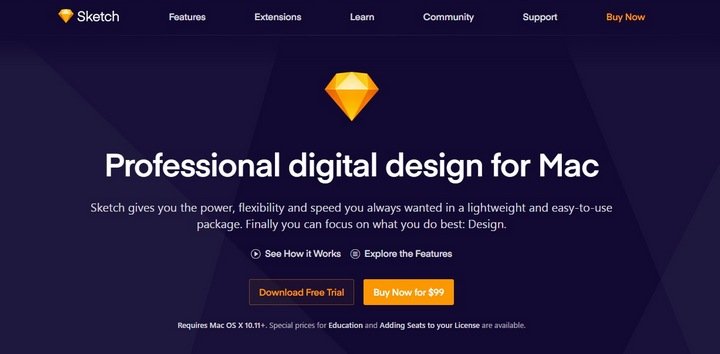
      But Sketch (from the same author) is a better Illustrator replacement than DrawIT (e.g., Sketch can export to vector formats.)

      • http://www.flatfiler.de Patrick

        Yes, I do agree. Of course, vector exporting is the most important feature to replace Illustrator :)

        • http://google Rags

          hey u should talk after the knowlad of the PS ILLUStr k...its also a vector application software ..

  • http://www.dragosdumitriu.com Dragos

    Adobe Illustrator rules

    • David

      Thanks for that.. Thats what this is all about

  • http://roarmkting.com Ryan Rosado

    Awesome post. I'm a marketing person so I sometimes need to use Illustrator. In the past I have downloaded the trial versions for temporary access but these solutions seem more effective in the long run. Thanks for sharing them.

  • echo5-7

    "GIMP this graphical user interface looks similar to Adobe Photoshop."

    have you ever opened up GIMP?

  • http://www.artfans.info/ Fandy

    I like Alchemy, nice tool to scribble a ideas

  • Manuel

    Actually, there is a corel draw version for mac, I use version 11.

  • http://twitter.com/alpha1beta Mike Fitzpatrick

    You say in here, XARA xtreme is "Windows only" That is incorrect, the free version is linux only. There is a pay version now under a new name, that costs money.

  • eddy

    I used Illustrator, is great. Now I'm using Inkscape and I love it!

    I'm using Gimp, but it isn't like Photoshop. It's a little difficult to understand at first, but it's a powerfull program.

    • Guy

      GIMP never worked out for me, but I now use Paint.net to replace anything I used to need Photoshop to do.

  • http://www.eforienordcazare.ro/ cazare eforie

    I use Ilustrator, i'm used to it and i do not think that i'll try another program.

  • http://www.r107.jp/ リサイクルトナー

    Illustrator, but I have not used yet, I can draw a picture I like this delicate. I now want to use illustrator.

  • http://extractstudio.wordpress.com James Wock

    Mapdiva artboard is good too.. http://www.mapdiva.com/

  • Paul

    I've been using CorelDraw as a professional graphic designer for 10 years now and have yet to find any job that another designer can do more quickly than me using Illustrator. There seems to be this obsession with Illustrator within a large chunk of the industry but i've never understood why. A lot of it seems to be ignorance of what CorelDraw can do. I keep being told "ah, but you can't do X in Corel" and having to point out that you can and how much easier it is than in Illy. Also, as we are a designer and printers, it is essential that we can import from many different file formats, and for this in particular Corel wins hands down.

    We also know a lot of other people in the industry who swear by Corel, and it seems to be the standard in sign writing, embroidery and other specialist fields. The sad thing is that very few people with Graphic Design qualifications know how to use it. You will give yourself a much better chance of finding a job if you learn how to use it as you are widening your potential market a great deal.

    Plus, i have an extra £400 or so in my pocket every new version!

    • Steve

      Corel was back in the hayday, a very good tool, and I agree, I could crank out layouts in no time flat much quicker than illustrator... but time has gone by... Corel was VERY slow to make updates and many years went by without any. You are correct, many sign shops used Corel, but now a day have opted for Illustrator. Corel is simply the betamax of illustration programs - While it might be great, majority rules - Just like iPods, their might be other players on the market, yet nobody cares. Corel did it to themselves, shunning the mac designer community. It the 20+ years Ive been in the printing Industry, I think I've got only 3 Corel files in the last 15 yrs or so... Each time I end up converting them to illustrator. Each time they needed something corrected on them. So be it as it may, there are great tools out there, but you need to support your customers, and listen to what people want, and keep coming out with upgrades. Another great example was QuarkXPress... Dominated the Publishing field for many many years... but again didnt offer anything new for many years... poof INDesign came to the plate which made Quark step it up finally... So Corel, WAKE UP.

    • Oliver

      Absoluetely.

      Illustrator is good in File formats, curves rendered very accurate and the number space finally became large.
      The only thing that can beat Corel passed away long time ago and was called Micrografx Designer (Aquirered by Corel - but the product has been completely altered). I still use Designer 9 as it runs great on windows 7 and i outperform any Illustrator User by fare. as you remember, Designer 4 was already equiped with full 3D Objects which have been very helpful, tools Adobe implemented very late.
      Since Freehand died, i consider Ilustrator a good choice for using the Wacom Graphics tablet, but i am pretty sure Corel Draw will outperform Illustrator here in usability. And usability is it what counts...
      If YOu know some of the most important Shortcuts and understand the Idea of Adobe's User Interface (Mostly Tablett oriented), than you can be somehow efficient with the tools - still i have a feeling that Corel's Interface is more efficient and allows a - 4 - 8 times faster workflow especially if it comes to complex projects and DTP like stuff - Illustrator would be great in it's accuracy for Logos, but i still dont understand why the clicking rules are so filigrane and the grips and shortcuts are so complex, that all time you are editing a path you waste hours in Illustrator. In Corel Draw and of Course my favourite Designer (Using it since 1992) i am already presenting results after one hour of work, where i just finished the definition of the colors in Illustrator and startet to draw my first pathes.... I think that Illustrator suffers from it's Traditional pre- MAX OSX times - as a one Mousebutton only tool ... (MAC is still hiding the second mousebutton somehow)

      • Chris

        I agree about Micrografx Designer. I still have my copy of Designer 4 for making quick and easy Vector-based drawings and sketches. There is nothing quicker or easier. Its too bad that Corel morphed Designer into something else

  • http://www.conceptart.org Brian

    Coreldraw is my choice too. It's more fluid and mind-easy to use as an Art Director/Designer. Agree most definitely with Paul. Well said.

  • Charlie

    Hah ;) Made my day. I totally agree :)

  • Nick

    Very nice post. Thanks for sharing this beautiful pictures. I love them.
    http://www.handbagsdreams.com

  • Frank

    I know how to use both Illustrator and CorelDraw. And by far, CorelDraw is easier and more importantly... quicker!

    I have done silk-screen artwork, desktop publishing and even web graphics with CorelDraw. You can export everything in CorelDraw to a JPG, PNG etc... and even PDF!

    Illustrator is the industry standard only because it is usually packaged with PhotoShop. But, just because it is industry standard doesn't mean it is better.

    :)

  • Another Frank

    I agree with all the comments about the versatility of CorelDraw, and as an alternative to Illustrator. I recently switched from a PC to a Mac, and now I totally miss my CorelDraw. I hope they seriously consider releasing a Mac version some day.

    • http://none Edytha Ryan

      Hi Frank and Another Frank: I could maybe find an affordable deal on Corel draw, How long would it take me to learn to use my drawing/illustrating skills with it. I don't need to be super fast. I'm not on a clock, really. But I have limited experience. I took a photoshop class years ago and got by, but not to the extent that I wasn't constantly reading instructions. I'm more literate in by hand illustrating, but I'd like to get up to date since people are assuming everyone knows computer illustration.

      Are those drawing tablets helpful? Thanks for feedback. E.

  • Alan

    Yes, I'm interested (I have Xara and will keep my opinions to myself, for the sake of grace).

    BUT...the big question is do these programs export legit Illustrator files that print shops can use?
    That's a pretty important point, for a guy doing maybe three CDs in his life or something like that.

    A

    • Rob

      "legit Illustrator files that print shops can use"?

      You mean PDF? Inkscape and Scribus (open source page layout) export print-ready PDFs with spot color if you need it. PDFs are really the only way to guarantee your layout and colors are compatible and exactly how you want on the other end.

  • akira

    use mypaint its amazing and its great

  • http://frugalvoice.com Affiliate Marketing Beginner

    I've love the inkscape, but not the learning curve, it's not very intuitive for someone used to pain programs, but after a little studying, it makes fantastic logos and web art for your pages. Can't beat the price either, free.

    Paint.net is good, but Gimp can do more. I'm off to try the Serif Draw Plus, thanks for the write up.

  • Vik

    Great list - I pretty much need to start designing objects for apps and web services and NOT spend tonnes on the Adobe suite..

  • http://www.planegolfswing.com John

    i like adobe but far out they are way to expensive. least make it free for students. but none the less thanks for the list. i went with inkscape

  • http://www.tishandkyle.com kathlene

    Adobe really needs some serious competition. After 20 years of this, I'm very tired of their high pricing and flimsy upgrades to get more bucks. Add to that, the super-annoying Adobe Management version checker thing, which has rendered a recently-purchased, fully loaded laptop unusable, and my other systems annoying at best. I'm beginning to hate Adobe, and am looking for other page layout & photo editing software companies who aren't quite so greedy.

    • Rob

      Adobe did have competition, Macromedia, but they bought them and terminated the products that competed with theirs. Freehand was a brilliant program and it is sorely missed.

  • http://none Edytha Ryan

    I'm illustrating a children's book. I'm doing blk n wht, detailed, naturalistic human and animal characters. Lots of furniture. I've never used a drawing product before, but have used an architectural design product a little. (Chief Architect). I'd like to update my skills. Have little money. Am in need of advice. How quickly could I replace my in-progress hand drawings with computer generated substitutes. Please recommend a good starter program for illustration. (I read about freeware, sK1. It sounds good. Don't have linux) Feedback will be appreciated. Thanks E..

    • Lisa

      i realise its been a while and you may have got something now but corel is great, if you could get a copy of corel 12 which would be cheaper you could scan them and then use there trace program and adapt them them for there. all programs take abit of getting used to but i found it easy to master and wouldnt use anything else.

  • star

    I have been using Adobe Illustrator for a couple of years, and I never thought it was hard to use; just takes practice. I absolutely love it, but it is nice to know that there are alternatives if someone can't use illustrator.

  • Jeff K

    Thanks for the good article. Here are some pts. to add: 1) Inkscape is available for Linux, as well. 2) The free Linux version of Xara is called XaraLX. 3) The bitmap based GIMP is on Linux, too, as is Alchemy (but doesn't seem to be updated recently) 4) Karbon 14 seems to have been renamed KOffice Artwork, as it is part of the KOffice office suite. Those interested in vector programs as part of a suite should also check the ones pertaining to OpenOffice and LibreOffice, which are available free for all platforms, I believe.
    @Edytha: If you haven't gone for a particular program yet, I'd guess Inkscape is your best free bet. Take whatever you've already hand-drawn, use a good scanner to create a bitmap graphic, then import it into, say, Inkscape, and use their option to "trace" it, turning it into a vector graphic. Check YouTube for Inkscape tutorials. Serif, makers of DrawPlus Starter Edition, make great software, but their free version doesn't come with tracing capability.

  • Justin

    You missed VectorDesigner, which I would argue is probably the best alternative to Illustrator (Mac only). It allows you to import/export various file types including EPS, it's intuitive, and has a superb GUI. No I don't work for them, I just love this application. Here's the link: http://www.tweakersoft.com/vectordesigner.html

    In case you're also looking for a (Mac only) alternative to Photoshop btw, you simply cannot beat Pixelmator!

  • Jim

    I love online vector editor - Torapp guilloche designer (http://www.torapp.info). Free and fun to use, especially for guilloches.

    • Eric S

      That sites seems very shady and requires your google login...

  • TA

    Inkscape i available for Linux also. I run Ubuntu and so extremly easy to install as usal just write inkscape or vector in the Ubuntu software center click on it and done!

  • http://www.csmo-orleans.ca Johanne Lacombe

    Didn't know there were so many free alternatives to illustrator... Thanks

  • Lisa

    Corel rules. ive been using it for 7 years and its amazing. love it. even the older versions arent bad and much easier to use than photoshop.theres nothing i havent been able to do on corel.

  • Nick

    What one of these programs can I use to scan a drawing and turn it into a smooth lined graphical image?

  • Dude

    If you are a Mac or iPad user, you owe it to yourself to try iDraw, the top vector illustration app on the AppStore and the MacStore in its respective categories. Check here: https://itunes.apple.com/us/app/idraw/id404705039?mt=12 or https://itunes.apple.com/us/app/idraw/id363317633?mt=8

    It's a fantastic app and the features it has for the price is just unbelievable. I just love it! It's the closest to Adobe Illustrator in many respects, other than price and 1 billion features (but it has all the basic ones and even some that AI doesn't, like in-place (rotated/on a path) text editing).

  • keith

    Well tried Inkspace, but need to import illustrator files, which it just freezes trying to do...

  • Nate

    Which of these programs will EXPORT to the Illustrator file format? Any?

    Also wanted to add to the list 'Manga Studio'. It comes in a 'Debut' version for around $50 and the pro 'EX' version is around $200. For drawing vectors and line art, especially in perspective, it cannot be beat.

    • Vicky

      You can save your work in CorelDraw as an Illustrator(ai) file. Even if you don't you can still open your cdr file on Illustrator.

  • april

    I draw clipart and started out using OpenOffice Draw. But I would like to offer my clipart for others to use and insert into documents for use. As of now, I am only able to convert my clipart into a pdf (I think) and that can't be used by others as individual images. (I don't want someone to be able to "enter" into my drawing, but would like for them to be able to re-size, etc.) I am completely computer illiterate, don't understand half the comments above. I mainly do vector drawings, of a cutesy children's nature. Anyone that can offer feedback, suggestions, etc. would be greatly appreciated.

    • http://www.facebook.com/TheRealJeffMo Jeff Mo

      Sounds like you could use some work on your literacy.